Type at the speedof speech.
Hold a key, speak, and your words appear in any app on Windows, macOS and Linux. Instant, private, and offline by default.
Other platforms and versionsmacOSLinuxOther platformsmacOS IntelLinuxOther platformsDebian / UbuntuFedora / RHELOther platformsAppImageFedora / RHELOther platformsAppImageDebian / UbuntuOther platforms
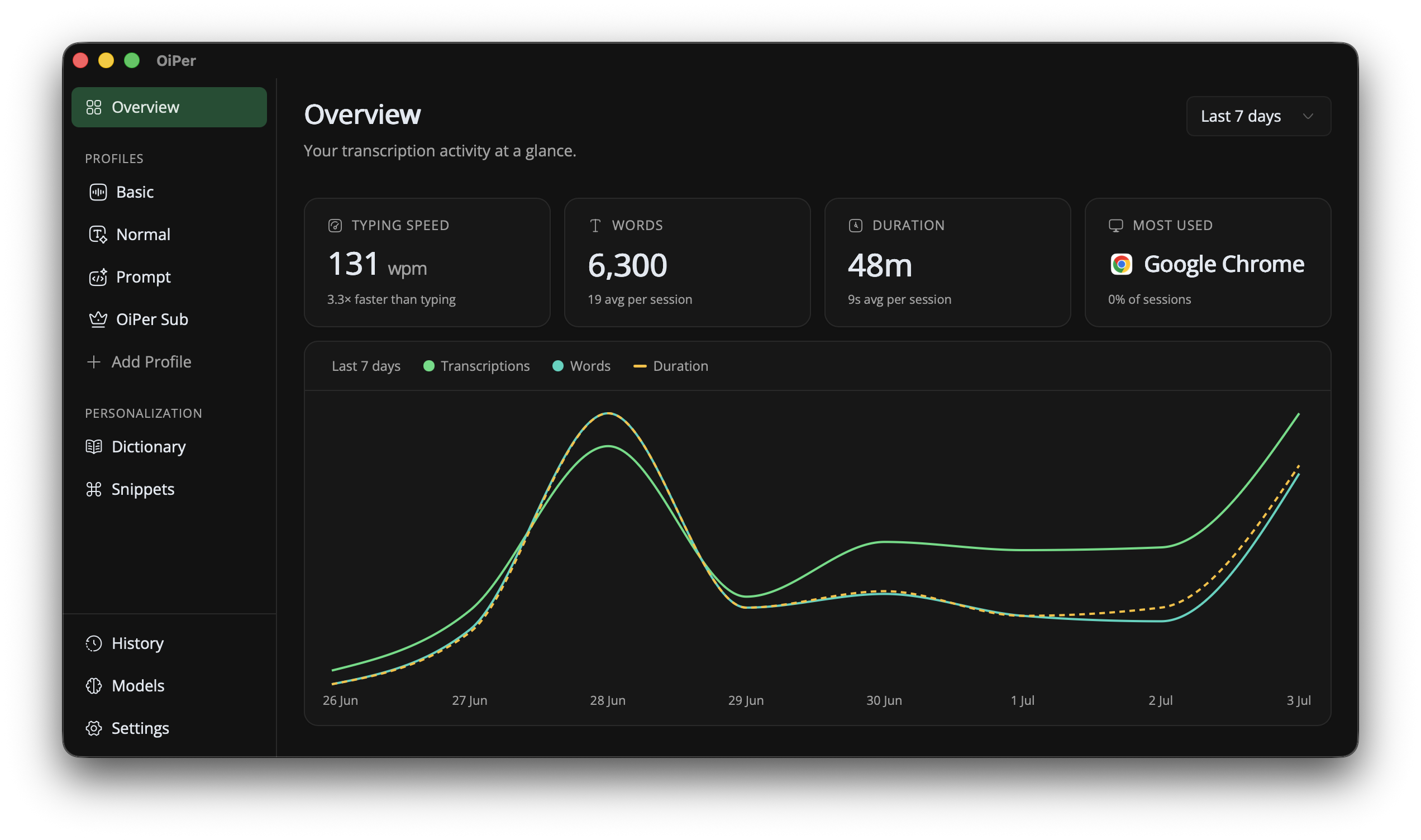
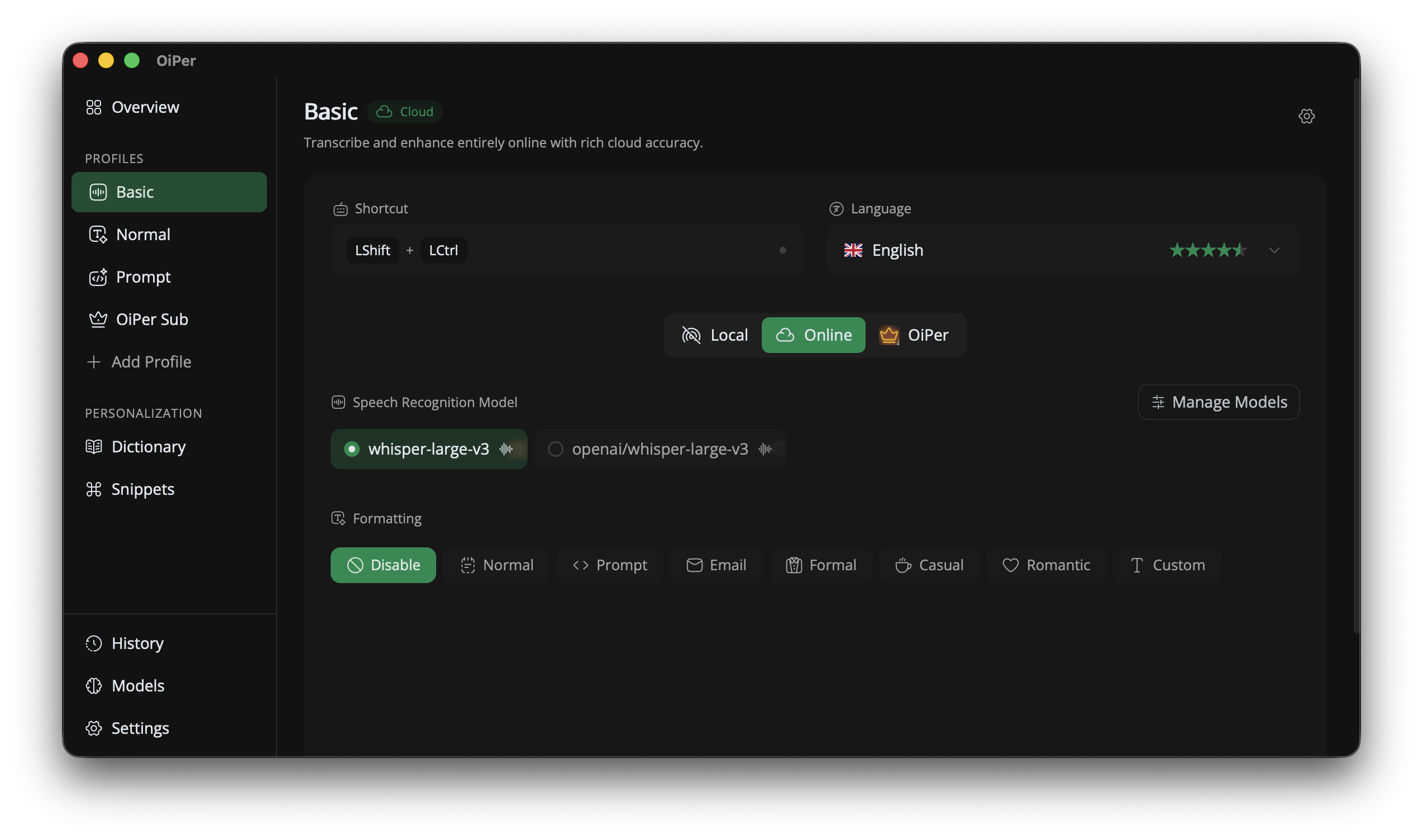
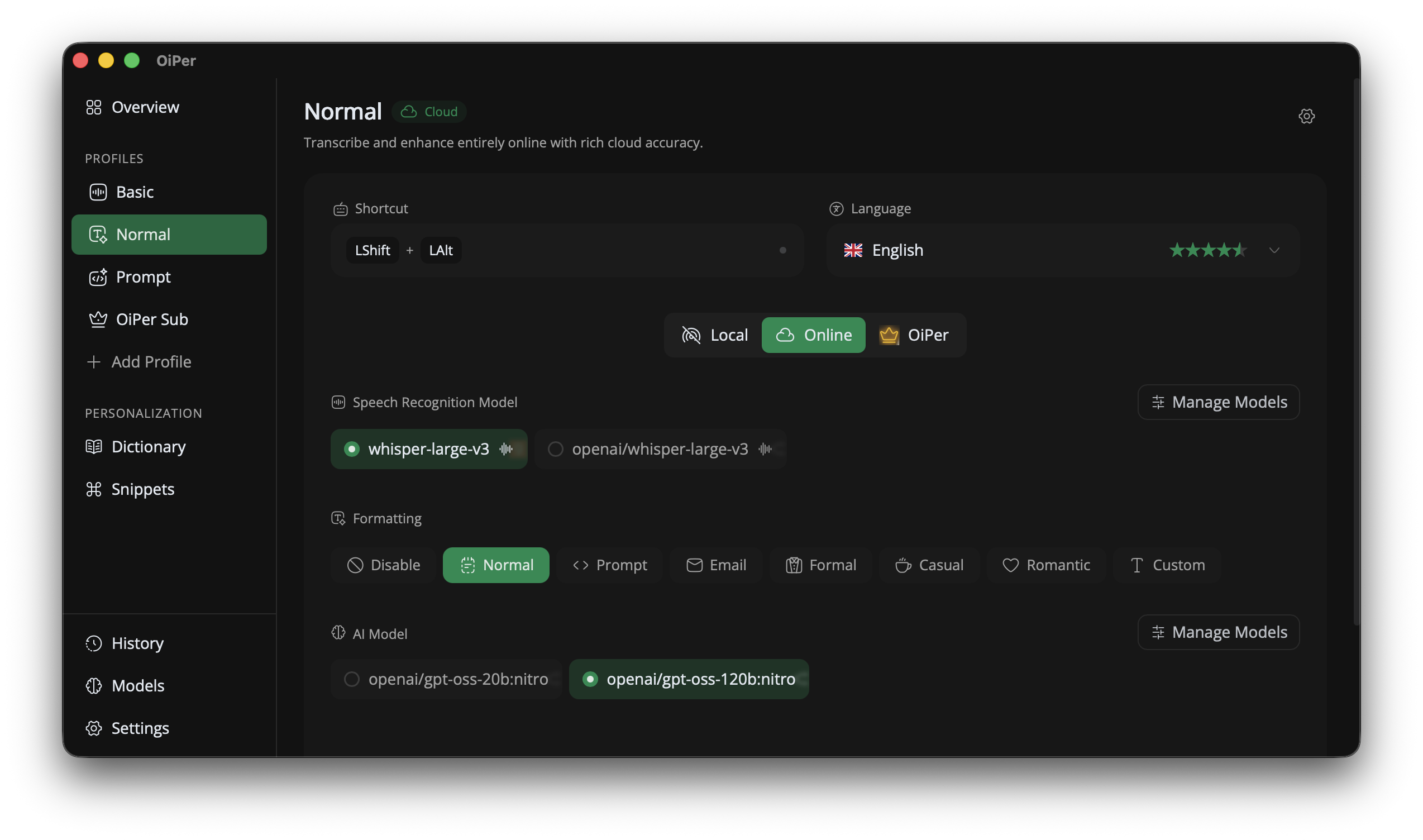
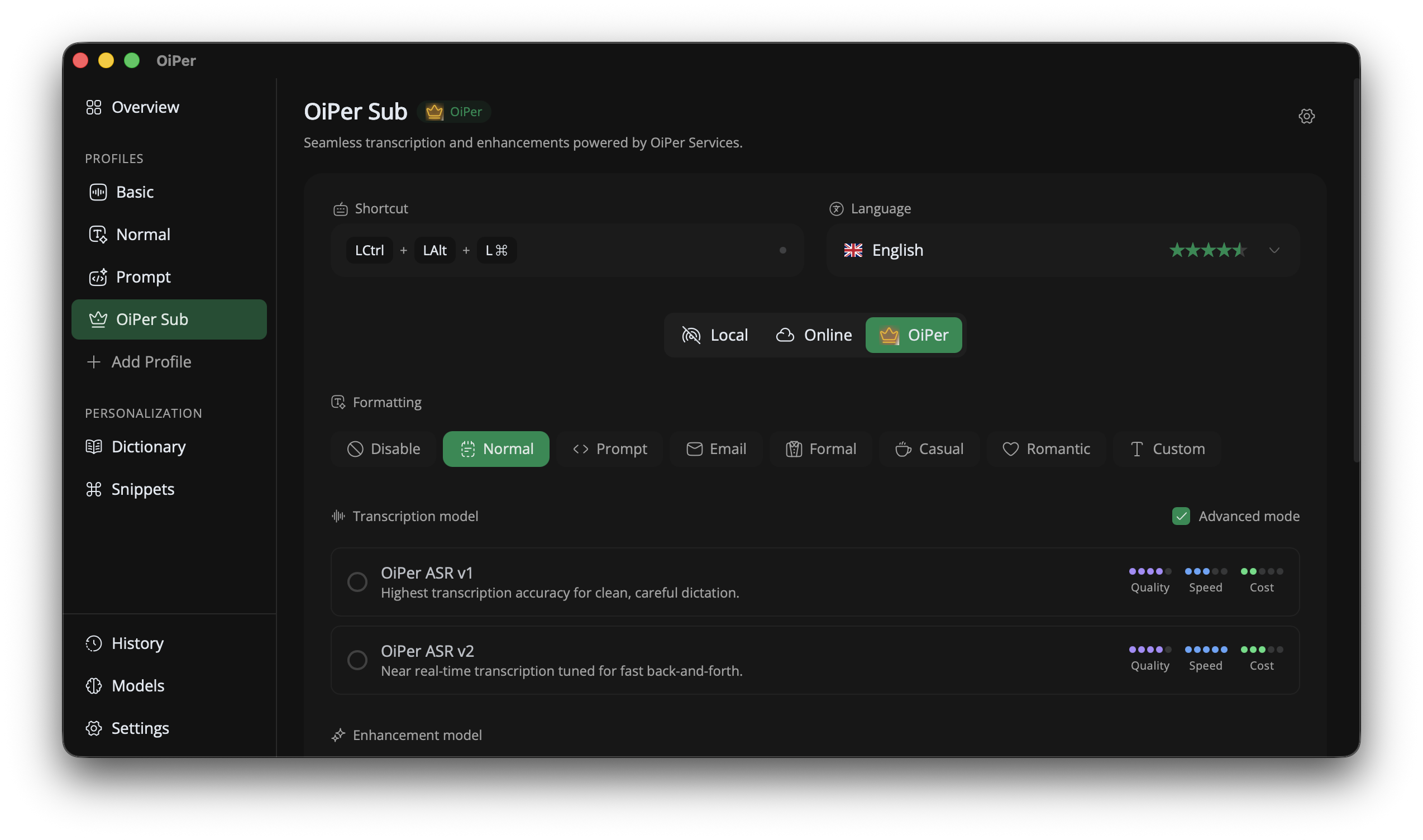
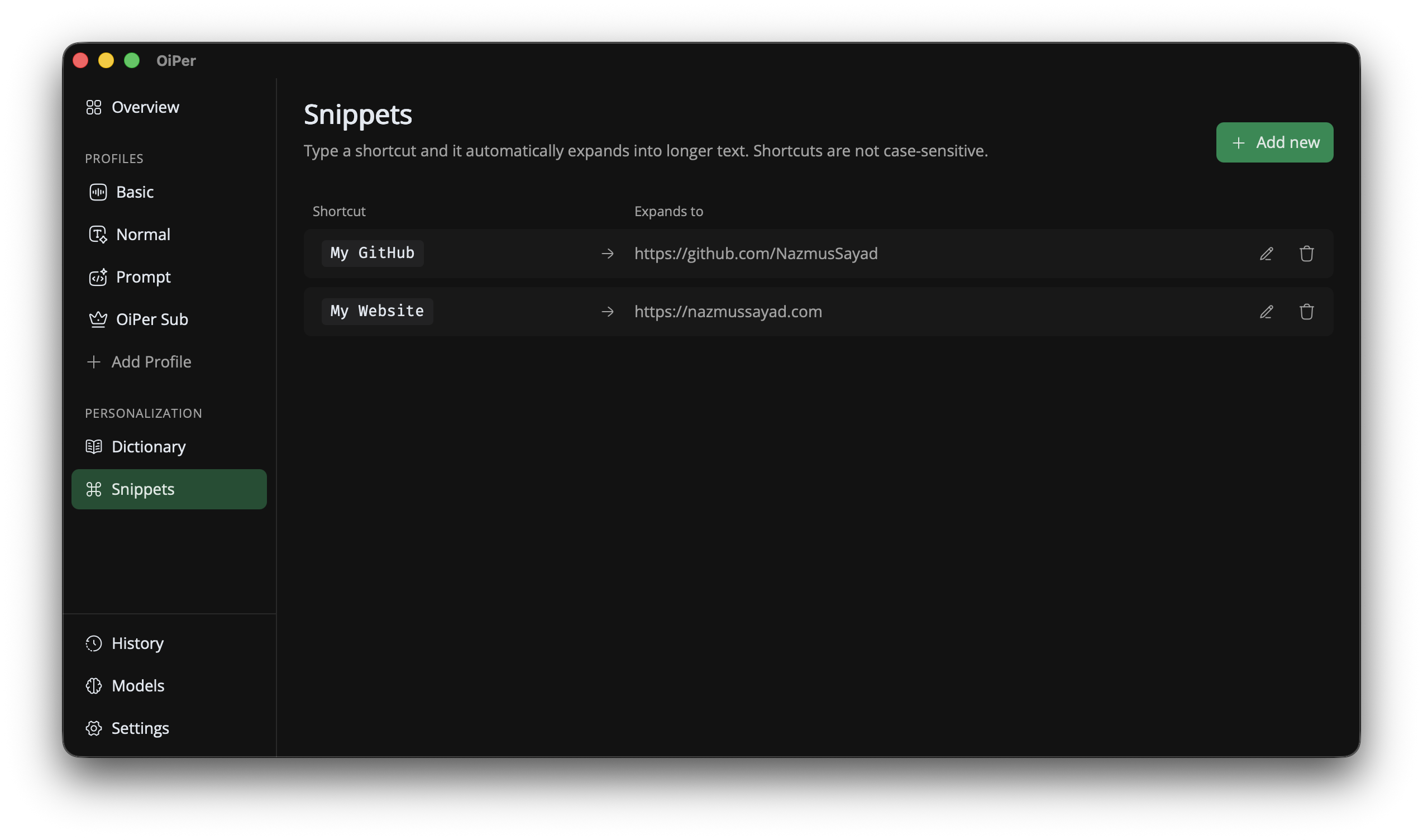
Everything you need.
OiPer is minimal, private, and built for speed. Hold a hotkey, speak, and your words appear in any app. Every feature serves a purpose and gets out of your way.
Global Hotkey Recording
Start recording anywhere, in any application.
Instant Text Injection
Text appears instantly in the app you're using.
Local Transcription
Speech never leaves your device. Ever.
Optional AI Text Cleanup
Improve grammar, fix typos, or refine tone—entirely optional.
Flexible Models & Backends
Choose CPU, CUDA, or available cloud models.
Native Performance
Optimized for low latency, efficient resource usage.
Speed that feels instant.
Local processing means no network round-trips. OiPer transcribes up to 3.5x faster than cloud APIs, entirely on your device.
Very low latency. Sub-second response on modern hardware.
GPU acceleration. CUDA support where available.
Efficient resource usage. Optimized for minimal CPU impact.
Benchmark / 30s English Audio
Loved by users.
Here is what people are saying about using OiPer every day.
“OiPer replaced three separate tools I was using. The local transcription is incredibly accurate and feels instant.”
Sarah Chen
Product Manager
“I write thousands of words a day. Being able to dictate privately without sending audio to the cloud is a game changer.”
Marcus Okafor
Technical Writer
“The hotkey workflow is seamless. I hold a key, speak, and my words appear exactly where my cursor is. Zero friction.”
Elena Rossi
Software Engineer
Speak your language.
Transcribe in the language you are most comfortable with. More languages are added regularly.
















Privacy by design.
No cloud required. No compromises made.
Your audio never leaves your device
Transcription runs entirely on your machine. By default, nothing is uploaded, stored, or sent anywhere.
You're in complete control
Use your own API keys for optional AI cleanup. Enable it only when you want it. We never see or store your credentials.
Simple pricing.
Choose the plan that works best for you. No hidden fees.
Free
$0
Forever
Unlimited transcription on your machine, no limits, no cost.
Unlimited Local Transcription
Global Hotkey Support
Snippet Support
Self-Managed Transcription
Self-Managed Formatting
Community Support
Pro
$7.99
/ month
Managed cloud transcription with a daily allowance.
Everything in Free
3-5x Faster Speed
Everything is managed for you
180 Min/Day Transcription
Custom Dictionary
Custom Formatting Prompts
Priority Email Support
Max
$14.99
/ month
Unlimited managed cloud transcription, subject to abuse protection.
Everything in Pro
Unlimited Transcription
Priority Processing
Early Access
Questions, answered.
What people ask before they start dictating with OiPer.
Does OiPer work offline?
Yes. In local mode, OiPer transcribes with a Whisper model downloaded to your computer, so dictation keeps working without an internet connection. Only the optional cloud and OiPer modes need to be online.
Is OiPer free?
Transcription on your machine is free and unlimited — no account required. Paid plans add OiPer's hosted transcription and formatting models for faster, more accurate results.
Which platforms does OiPer support?
OiPer runs on Windows, macOS (Apple Silicon and Intel) and Linux, with AppImage, .deb and .rpm packages.
Does my audio leave my computer?
Not in local mode: audio, transcripts and history stay on your device. If you choose a cloud provider or OiPer's hosted models for a profile, that recording is sent to the service you picked to be transcribed.
Which apps can I dictate into?
Any app where you can type. Hold your hotkey, speak, and release, and the text is inserted where your cursor is: email, documents, chat, browsers, and code editors.
Does it need a powerful computer?
No. Local models run on the CPU of any supported computer and use the GPU automatically when one is available. Smaller models like Base are fast on everyday hardware, while larger ones trade speed for accuracy.